Community Paste
Highlight anything in your browser, right-click, and instantly send it to your email, phone, or save it for later — no copy-paste juggling. Completely free.
Game Day Alerts
Get notified before your favorite team plays. Choose your series, pick home or away games, and receive pregame alerts with pitchers, broadcast info, and final scores via SMS or email.
Set up alerts →Follow your favorite MLS club. Get prematch alerts with kickoff times and broadcast info, plus final scores after every match via SMS or email.
Set up alerts →Never miss an Olympic event. Select your sports, choose specific sessions, and get alerts before each event starts — from Swimming finals to Track & Field, across all 46 sports.
Set up alerts →How it works
Sign up and verify your email. Optionally add a phone number to enable two-way SMS.
Install the Firefox extension and sign in with your PasteToMe credentials. Your theme and preferences sync automatically.
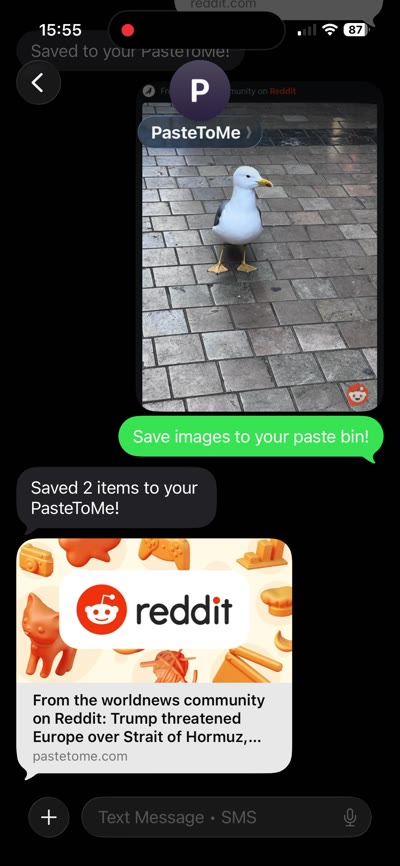
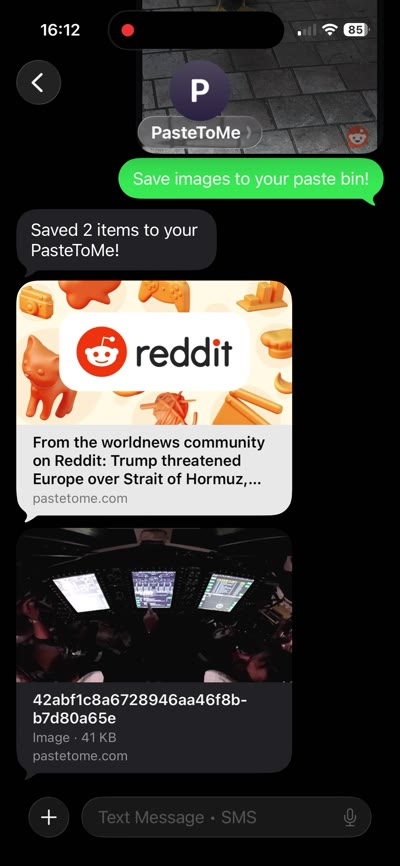
Right-click to save text, links, or images from any webpage. Or text/send an image to your PasteToMe number from your phone — it goes straight to your pastes.
Everything included
Highlight any text on any webpage and save it to your personal pastes library — accessible any time from any device.
Right-click selected text and send it straight to your verified email address. Up to 200 emails per month included.
Send text to your phone in one click — or text and images back from your phone to your pastes. Your phone becomes a two-way bridge to your clipboard.
Right-click any page background to shorten the current URL with a compact pastetome.com/go/ link — ready to share or text.
Upload up to 20 images at once (64 MB total) and create shareable galleries. Right-click any image on the web to save it, or drag and drop from your desktop.
Right-click any hyperlink to shorten and save, email, or text that URL — without ever navigating away from the page you're on.
Every clip is saved to your pastes page. Filter by source domain, type (text, link, image), or whether it was sent to email or phone.
Choose between light and dark themes. Your preference syncs across the website and the browser extension automatically.
Monitor your weekly email and SMS usage from the account page and directly inside the extension popup — always visible.
Community Paste